Instagram & X Character Limits: Count Before You Post
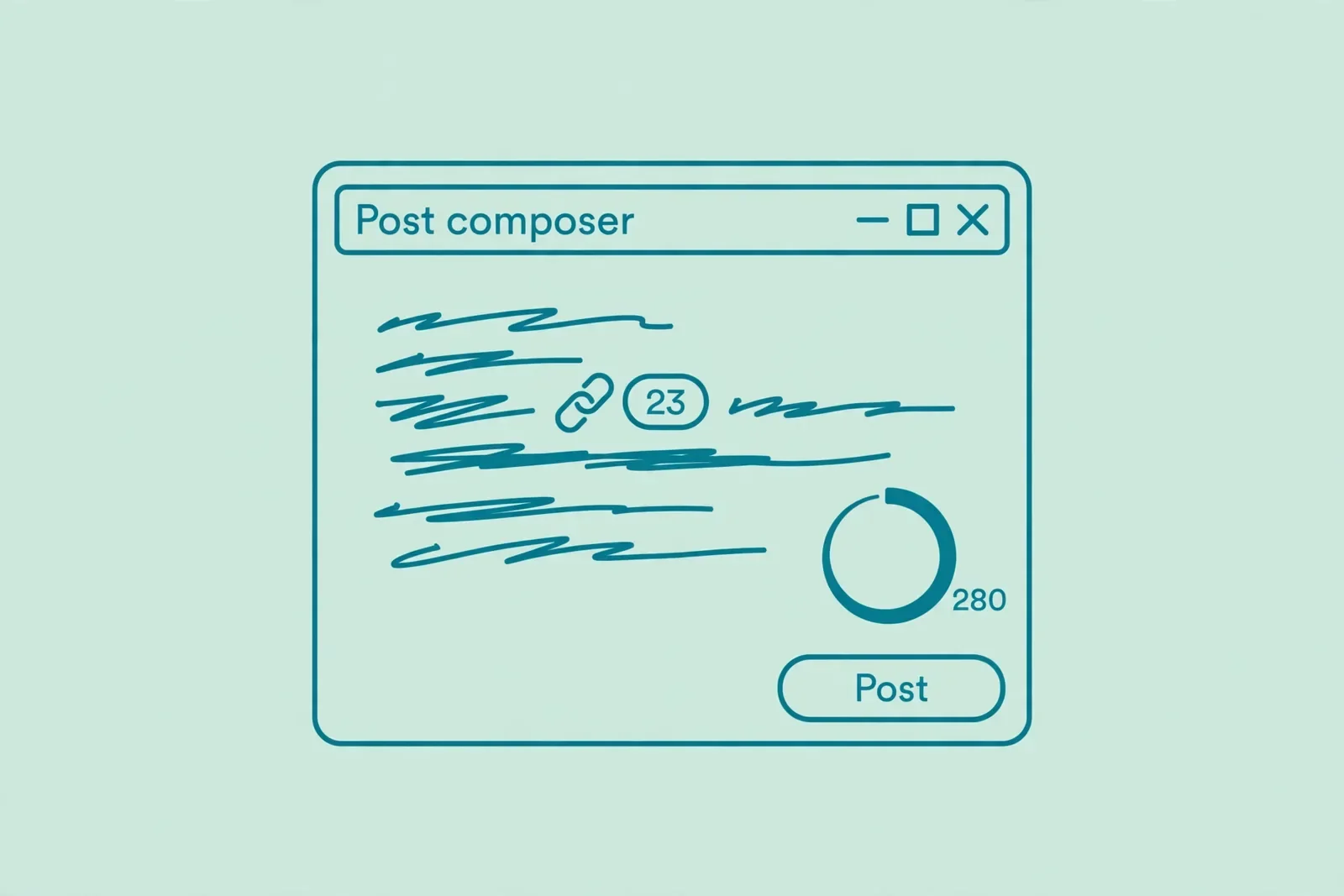
You wrote the perfect caption. It is funny, the link is in, the hashtags sit at the end. You hit Share, and Instagram refuses to post it. Or your X post looks fine until a link eats 23 characters you were counting on. This guide lists the Instagram and X character limits that matter, then shows you how to check your draft with a free counter before you post.
Quick answer
Instagram captions allow 2,200 characters and bios allow 150. X posts allow 280 characters on free accounts, or 25,000 with Premium. Paste your draft into the free character counter on this site, read the live count, and trim before you post. The check takes ten seconds and saves you from a rejected post.
Instagram character limits, all in one place
Instagram's headline number is generous: 2,200 characters per caption. The catch is that almost nobody reads that far. Only the first 125 characters or so show in the feed before the "…more" cutoff, so the real limit for your hook is much smaller than the official one.
| Field | Limit | Worth knowing |
|---|---|---|
| Caption | 2,200 characters | Only the first ~125 show before "…more"; front-load the point |
| Bio | 150 characters | Everything counts: letters, spaces, and emoji |
| Username | 30 characters | Letters, numbers, periods, and underscores |
| Display name | 30 characters | Shows next to your username in the profile header |
| Comments | 2,200 characters | Same ceiling as captions |
| Hashtags | A few, relevant ones | Instagram recommends 3–5 targeted tags per post |
The numbers come from Instagram's Help Center and Meta's developer documentation, as compiled by current limit guides. Platforms adjust these from time to time, so if a number here ever disagrees with what you see, the counter in the app wins.
Two Instagram behaviors surprise people most. First, the bio box simply stops accepting characters at 150. If you paste a styled bio and it cuts off mid-word, count the paste first: fancy Unicode letters and some emoji use more than one character each, which is why a decorated bio hits the wall early. Second, a caption over the limit does not get trimmed. Instagram refuses to share the post until you shorten it. That is the moment a ten-second count beforehand pays for itself.

X character limits: 280, unless you pay
X still runs on 280 characters for free accounts, the ceiling it has kept since doubling from 140 back in 2017. Paying for Premium unlocks a separate long-post composer capped at 25,000 characters. Only the first 280 show in the timeline either way, so a long post is really a short post with a "Show more" door on it.
| Field | Limit | Worth knowing |
|---|---|---|
| Post (free account) | 280 characters | Unchanged for years; the default for everyone |
| Post (Premium) | 25,000 characters | Readers still see only the first 280 until they expand |
| Link | 23 characters each | X wraps every link, long or short, and charges 23 |
| Emoji | 2 characters each | Unicode surrogate pairs, per X's developer docs |
| Bio | 160 characters | Emoji cost 2 here too |
| Username | 15 characters | Letters, numbers, and underscores only |
| Display name | 50 characters | More room than the handle |
| Photos, video, polls | 0 characters | Media never eats into your 280 |
The two numbers that wreck drafts are 23 and 2. A link always costs 23 characters no matter how short the real URL looks, and every emoji costs 2. A post that reads as 270 characters in your notes app can easily be 290 on X once the link and the three emoji are priced in. Photos and videos, at least, are free: attach whatever media you like and your 280 stay untouched.
Check your caption or post before you publish, in 4 steps
This method uses the free character counter on this site. It runs in your browser, so your draft never leaves your device.
- Open the free character counter. Go to the Character Counter tool page. No signup, no download, no payment screen.
- Paste your draft. Click in the text box (it says "Type or paste your text here…") and paste your caption, bio, or post exactly as you plan to publish it, link and emoji included.
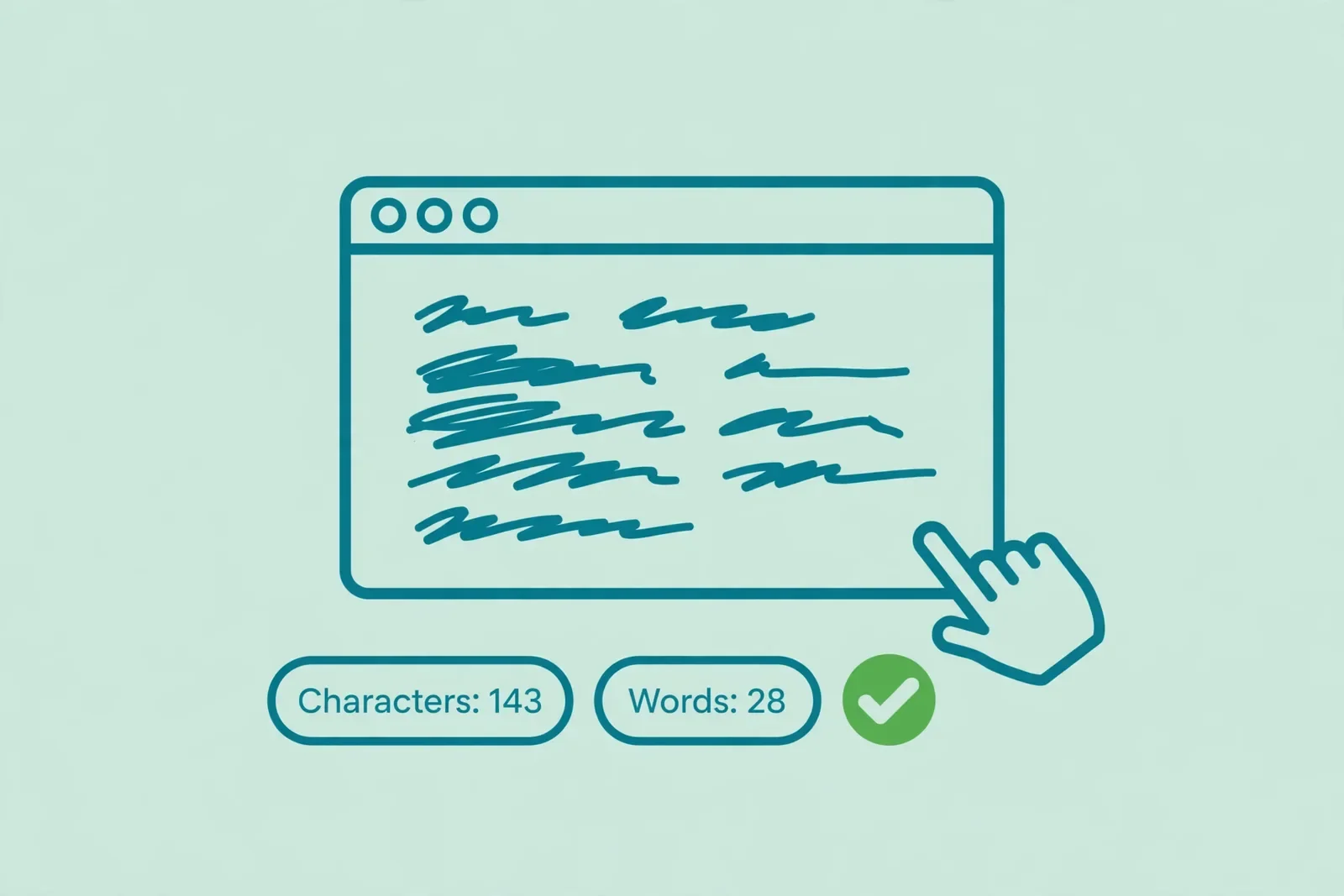
- Read the live count. The main total shows characters without spaces by default. Tick "Include spaces in the main character total", because Instagram and X both count spaces. You also get words, sentences, and reading time in the same view.
- Trim until it fits, then copy. Edit the draft in the box until the count sits under your platform's limit, then click Copy result and paste it into the app.
One honest caveat: the counter counts every character as 1, while X prices emoji at 2 and links at 23. For an X post with emoji or a link, leave a safety margin of a few dozen characters under 280, or do the small arithmetic yourself: subtract 23 per link and 1 extra per emoji from the tool's total.
What actually counts as a character
Platforms are literal about counting. If you assume the generous version, you will go over.
- Spaces count. Both Instagram and X count every space. A 150-character bio with 20 spaces has only 130 characters of actual text. This is why the counter's "include spaces" checkbox matters.
- Line breaks count. On Instagram, every line break in a caption costs a character. Pretty formatting with blank lines between paragraphs eats into your 2,200.
- Hashtags count. The full hashtag, # sign included, counts toward the caption limit. Tags at the end of a long caption are often what push it over.
- Emoji cost extra on X. One emoji, 2 characters. A row of five emoji at the end of a post costs 10 of your 280. On Instagram they count normally, but styled Unicode text can cost more than one each.
- Links cost a flat 23 on X. It does not matter whether the URL is 12 characters or 120. X wraps it and charges 23. Two links cost 46, nearly a sixth of a free post.
The pattern: count the published version, never the draft in your head. Paste the exact text, link and emoji included, and read the number.
Write inside the limit without sounding squeezed
Limits are ceilings, not targets. The shortest captions tend to earn the most engagement, and nobody ever complained that a bio was too easy to read.
Front-load the first 125 characters. On Instagram, that is all most people see before "…more". Put the offer, the hook, or the question in the first line. The rest of the caption is for the readers who choose to continue, so treat it as a bonus, not the message.
Write the bio like a business card. You get 150 characters: who you are, what you post, and one reason to follow. Skip the decorative fonts that burn characters; a plain bio that fits beats a styled one that gets cut off mid-word.
Keep hashtags few and specific. Instagram recommends a handful of targeted tags over a wall of thirty. Put them at the end of the caption or in the first comment to keep the visible text clean. Either way, they count, so include them when you check the total.
On X, cut the throat-clearing. With 280 characters, "Just wanted to share a quick thought about…" costs you a fifth of the post before you say anything. Start with the point. If the draft still overflows, the link goes last and one idea per post beats two cramped ones.
Common mistakes and fixes
- Instagram refuses to share your caption. You are over 2,200 characters. Instagram does not trim; it blocks. Fix: count the draft first, then trim the hashtags or move extra detail into the first comment.
- The bio box stops accepting text. You hit 150 characters. Fix: count the paste in the counter with spaces included, and drop the styled Unicode letters that cost more than one character each.
- Your X post is over 280 and looks short. The link costs 23 and each emoji costs 2. Fix: subtract 23 per link and 1 extra per emoji from your count, or just leave a margin under 280 when you check.
- Counting without spaces. The counter's default total excludes spaces, but both platforms include them. Fix: tick "Include spaces in the main character total" before you trust the number.
- Forgetting the "…more" cutoff. A 2,200-character caption with the point buried at character 900 is a caption nobody reads. Fix: move the hook into the first 125 characters and treat the rest as optional.
- Closing the tab before copying. The trimmed draft lives in the text box. It is not saved anywhere. Fix: click Copy result the moment the count looks right.
How we tested this
Before you rely on a method, try it on your own draft first:
- Paste a caption of about 2,100 characters into the counter with "include spaces" ticked, and confirm the total reads under 2,200.
- Paste the same caption with five hashtags added, and confirm the total rises by the full length of the tags.
- Paste a 160-character bio and confirm it reads over Instagram's 150 limit, so you see the cutoff coming.
- Draft an X post with one link and two emoji, subtract 23 for the link and 2 extra for the emoji from the tool's total, and confirm the adjusted number sits under 280.
- Click Copy result, paste into a notes app, and confirm the text matches the trimmed draft.
Pros and cons
Pros. Free, no signup, and nothing to install. The count runs in your browser, so drafts stay on your device. Live totals update as you type, with words, sentences, and reading time in the same view. The "include spaces" toggle matches how platforms actually count. Copy and Clear buttons make trimming fast.
Cons. The counter counts every character as 1, while X prices emoji at 2 and links at a flat 23, so X drafts with emoji or links need a manual margin. It does not know which platform you are writing for; you bring the limit (2,200, 150, 280) and it brings the count. The draft lives in the tab until you copy it.
A note on privacy
Counting with the tool on this site keeps your draft on your device, because everything runs in your browser tab. Nothing is uploaded, stored, or logged. For unreleased announcements or client copy, that matters more than speed. If a site asks you to paste a draft for a one-click count, check whether the counting can run in your browser instead.
Last updated: October 22, 2026.
Frequently asked questions
How many characters can an Instagram caption have?
2,200 characters. That includes spaces, line breaks, emoji, and hashtags. Only the first 125 or so show in the feed before "…more", so put your hook in the first line and treat the rest as a bonus.
What is the X character limit for a regular post?
280 characters on a free account. X Premium unlocks long posts up to 25,000 characters, but only the first 280 show in the timeline until readers tap "Show more". Links always count as 23 characters and emoji as 2.
Do spaces count toward the Instagram caption limit?
Yes. Instagram counts every space, line break, and hashtag character toward the 2,200 limit. When you check a draft in a counter, make sure the total includes spaces, or a caption that looks fine will post as over the limit.
Do emojis count as characters on X?
Yes, and they cost double. X counts each emoji as 2 characters because of how Unicode stores them. Five emoji at the end of a post use 10 of your 280 characters.
Do links count toward the X character limit?
Yes. X wraps every link and counts it as exactly 23 characters, no matter how long the real URL is. Two links in one post cost 46 characters, nearly a sixth of a free post.
How many characters can an Instagram bio have?
150 characters, including letters, spaces, and emoji. The bio box stops accepting text at the limit, and styled Unicode letters can use more than one character each, so count a decorated bio before you paste it.
Is my draft private when I use the character counter?
It is private when the tool counts in your browser, because nothing leaves your device. The counter on this site works that way, so unreleased announcements and client copy stay yours. Avoid pasting sensitive drafts into tools that upload your text to a server.
Count before you post
A rejected caption is a small disaster with a ten-second fix. Know the ceiling: 2,200 for an Instagram caption, 150 for the bio, 280 for an X post. Paste the exact draft, link and emoji included, into the counter with spaces included, and trim until it fits. Then copy and post with confidence. Check your character count free now.
Related tools and guides
How to Count Characters Online Free
The full character-counting guide for every use case.
Read article →